
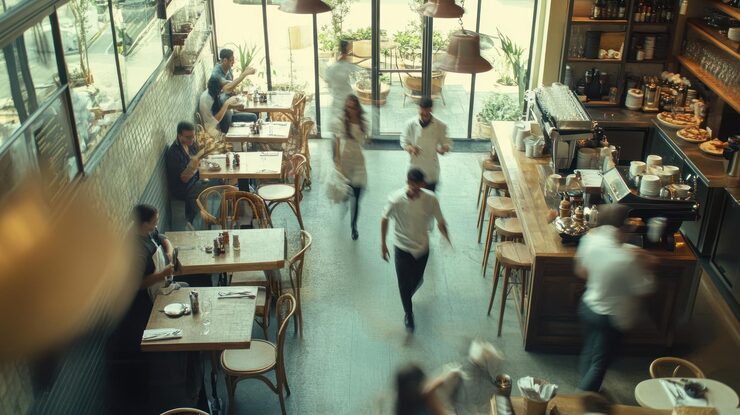
In a restaurant, a slow POS does more than create waiting time: it disrupts the dining room, the kitchen and the customer experience.
1. Floor plans must be operational
Table management should show what is open, paid, in preparation or waiting.
A practical floor plan reduces table errors, split-bill friction and service confusion.
- Open and transfer tables
- Assign waiters
- Track orders by table and status
- Simple or split bills
2. KDS reduces lost kitchen tickets
A KDS connects the POS to production. The kitchen sees orders, priorities and preparation times without relying only on paper.
This becomes critical when orders come from dine-in, counter, click & collect and delivery.
- Real-time updates
- Visible preparation times
- Order prioritization
- Less confusion between room and kitchen
3. Waiters should save time on every action
Waiters should not cross the dining room for every edit. Roles, permissions and POS App access accelerate service while keeping control.
Managers still track discounts, voids and sensitive actions.
- Role-based waiter access
- Faster ordering
- Action traceability
- Fewer entry mistakes
4. Service data should drive decisions
Modern restaurant POS data reveals rush hours, best sellers, kitchen delays and channel performance.
This helps adjust staff, menu, pricing and promotions.
- Reports by service
- Average basket tracking
- Delay analysis
- Dine-in, delivery and click & collect comparison
Frequently asked questions
Which plan includes tables and waiter management?
+
Table management, waiter roles and KDS start from the Premium plan.
Does KDS replace paper kitchen tickets?
+
It can replace or complement them depending on your workflow.
Can this setup work for snacks and cafes?
+
Yes. You can use faster counter mode or table mode depending on service style.